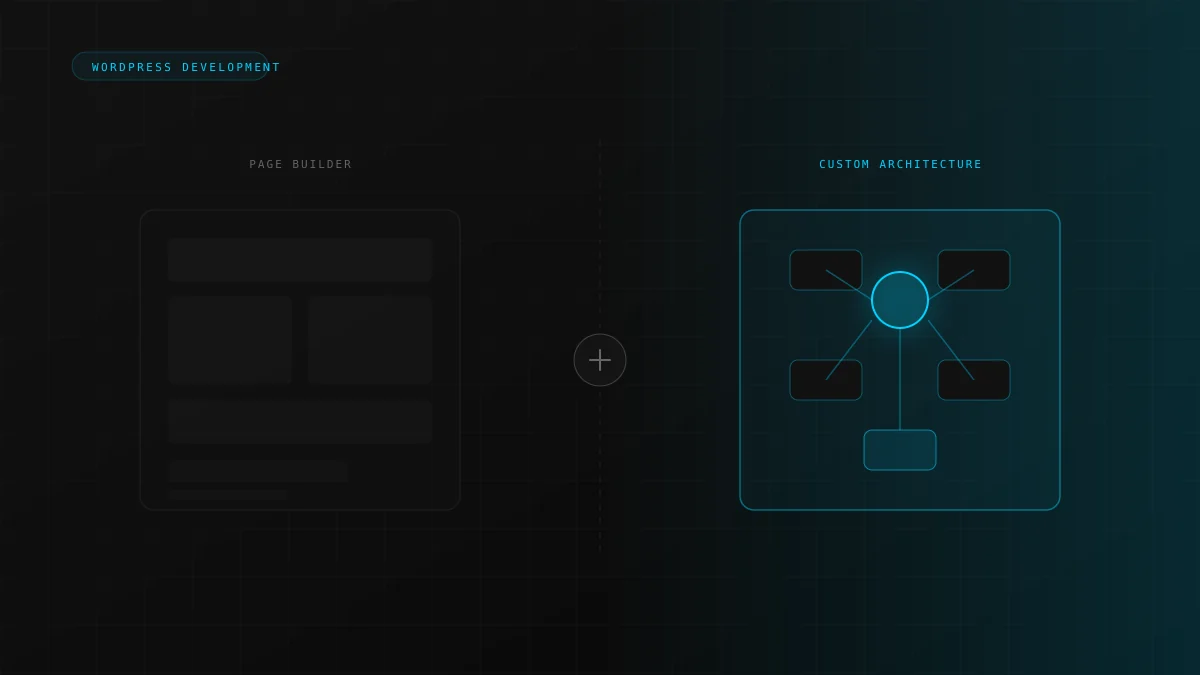
Page builders helped WordPress democratize web design. Elementor and similar tools are excellent for launching fast. But many growing businesses hit a ceiling where templates, widgets, and plugin stacks stop matching how they actually work.
Where page builders start to break down
Builders trade flexibility in code for flexibility in the UI. That works until you need custom data models, non-standard WooCommerce flows, API-driven content, or performance budgets that marketing plugins cannot meet.
The question is not whether page builders are bad. It is whether your business has outgrown what they were designed to optimize for.
Elementor and plugin stack limitations
Visual builders often store layout as shortcodes and meta-heavy structures. That increases database load and makes version control difficult. Teams struggle to reuse components across sites.
Scaling problems as the business grows
More products, locations, and integrations expose gaps. You end up with workaround plugins and manual processes. We cover this in programmatic SEO for service businesses when structured content becomes necessary.
Performance issues that hurt SEO and conversions
Builder pages frequently ship extra CSS and JavaScript on every route. For lead-focused sites, see why business websites fail to generate leads. Speed and clarity work together.
When custom WordPress development makes sense
- Custom post types, ACF field groups, or editorial workflows
- WooCommerce requires bespoke checkout or B2B logic
- CRM, AI, or external API integrations
- Search engine optimization (SEO) and programmatic content are on the roadmap
Review the TourismDesk custom plugin case study, WordPress development services, or start a project before adding another plugin layer.
Frequently asked questions
Yes. Many teams use custom templates for product and system pages while keeping builders for campaign landing pages.
Not always. Selective refactors (custom blocks, CPTs, caching, and retiring redundant plugins) can extend an existing site.
If your differentiator is the product, workflow, or data model, not just the layout, custom development usually pays off within one to two growth cycles.